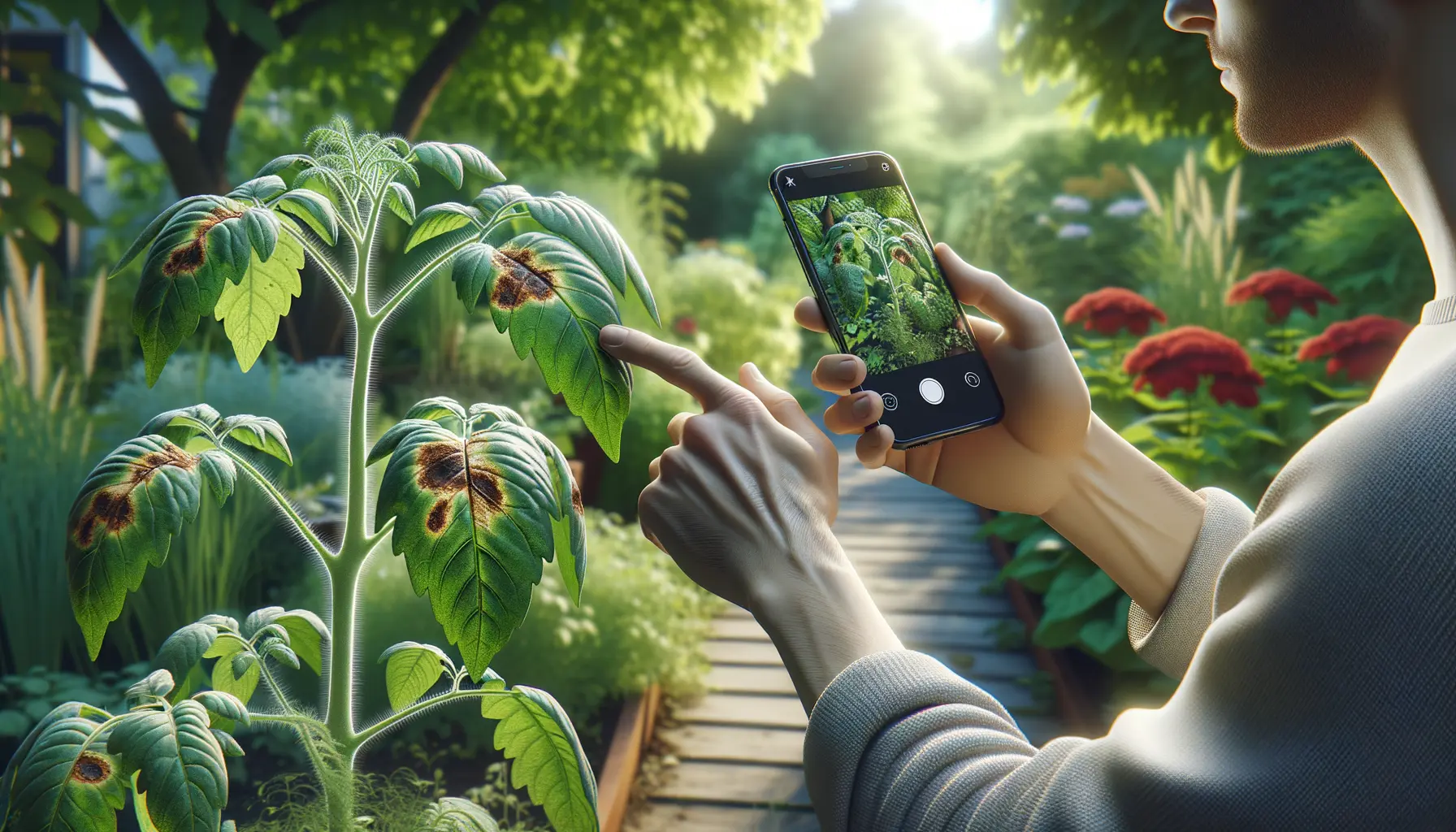
Quick answer: For a photo based plant health workflow, Plant Doctor is the most direct fit in this comparison because it combines plant diagnosis with confidence signals and care planning. PlantNet is worth comparing when the main job is identifying a species. If low connectivity or field scale matters, compare products such as FarmSense or Farmonaut against their current official feature lists.
This is a practical buying guide, not an independent accuracy leaderboard or a feature verification study. Product features, pricing, availability, and privacy terms can change. Treat each row as a checklist and confirm the current offering on the product's official site before relying on it. The comparison below does not claim that any app replaces a local extension service, qualified horticulturist, veterinarian, or laboratory test.
Start with the photo workflow
If a plant looks sick today, open the Plant Doctor photo disease check and capture the whole plant plus a clear symptom close-up. Add the plant name, recent watering, light, spray history, and when the symptom started. Better context gives any diagnostic tool more useful evidence.
Quick comparison
| App | Best fit | What to look for | Main watch-out |
|---|---|---|---|
| Plant Doctor: AI Disease ID | Photo based plant health triage | Check multi-photo intake, uncertainty signals, treatment guidance, and follow up care | Review cloud photo handling before uploading sensitive images |
| PlantNet | Species identification | Check whether species results answer the actual health question | Species ID is not automatically a complete disease workflow |
| PictureThis | Houseplant identification | Confirm the current care and disease features in the plan you would use | Check current pricing, limits, and renewal terms |
| PlantIn | AI plant help | Confirm whether the current product includes the type of expert support you need | Consultation pricing and availability may vary by region |
| FarmSense | Field or lower-connectivity use case | Verify offline support, crop coverage, and current model availability | Confirm current coverage and update requirements |
| Farmonaut | Field or crop monitoring | Check whether the current workflow matches your crop, location, and scale | It may be more agricultural than a home grower needs |
The “best” app is therefore use case specific. A species identification app can name a plant without answering a leaf-symptom question. A field monitoring platform may be inappropriate for one houseplant. A photo diagnosis tool should show uncertainty and a next action instead of presenting one confident label with no context.
What separates a useful disease app from a plant ID app?
Look for four parts of the workflow:
- Evidence intake: whole plant, symptom close-up, leaf underside, stem or collar, soil surface, and recent care details.
- Uncertainty: a confidence score, ranked possibilities, or a clear explanation of what the image cannot establish.
- Action: low risk next steps, isolation advice, a follow up check, and a clear point where human help is needed.
- Boundaries: honest language about limitations, privacy, subscriptions, and the difference between triage and diagnosis.
An answer that says “fungal issue” without asking about roots, watering, light, pests, or recent treatment is incomplete. Several problems can create similar yellowing, spots, wilting, or leaf drop.
How to take photos that give better results
- Use bright, indirect daylight and avoid flash reflections.
- Include one whole plant photo so the tool can see overall posture and scale.
- Add two or three close-ups from different angles, including the underside when practical.
- Photograph the stem or crown and the soil surface when rot, pests, or watering stress are possible.
- Keep the original image resolution when the app accepts it, and avoid heavy crops.
- Add context: plant or crop name, symptom start date, recent watering, light changes, fertilizer, sprays, and repotting.
If the result does not match the plant, retake the photos before changing treatment. A clearer image and better context are often more useful than trying a stronger product.
Privacy and pricing checks before you subscribe
Before uploading a sensitive crop photo or starting a trial, check:
- whether images are sent to a cloud service;
- how long photos and account information are retained;
- whether uploads are used to improve models or shared with service providers;
- what the free tier actually includes;
- renewal price, cancellation path, and limits on repeat scans;
- whether offline mode is real device processing or only a saved history view.
“Free download” does not necessarily mean free disease diagnosis. Treat subscription terms and privacy settings as part of the product comparison, not as an afterthought.
When an app result looks wrong
- Retake the whole plant and symptom photos in better light.
- Add plant identity and recent care details.
- Check roots, drainage, pests, and the underside of leaves before spraying.
- Compare a second source when the suggested treatment could harm the plant or crop.
- Contact a local extension service, qualified horticulturist, or laboratory when the plant has high value, the symptoms spread quickly, or food safety is involved.
Do not mix pesticides or increase a product rate because an app result sounds uncertain. Follow the label for any product you use and keep people, pets, pollinators, and water sources protected.
Bottom line
Choose the app that matches the decision you need to make:
- Photo diagnosis and a care plan: Plant Doctor.
- Free species identification: compare PlantNet's current workflow with the question you need to answer.
- Houseplant ID and beginner care: compare PictureThis's current plan and care features.
- AI plus possible expert review: verify PlantIn's current consultation options and pricing.
- Low connectivity or field monitoring: check FarmSense or Farmonaut against your crops, location, and current feature list.
The best result still starts with good evidence. Use an app to organize observations and choose a sensible next check, then escalate when the stakes are high.
FAQ
What is the best plant disease identification app in 2026?
For a sick plant photo workflow, Plant Doctor is the most direct fit in this comparison because it focuses on plant health triage and care planning. PlantNet is a strong free choice when species identification is the main goal.
Are plant disease identification apps accurate?
They can be useful for first pass triage, but the result depends on photo quality, symptom stage, plant type, and whether several issues are present. Treat the result as a decision aid, not a laboratory diagnosis.
Can a free plant app diagnose disease?
Some apps offer free scans or species identification, while deeper diagnosis, monitoring, and expert review may require payment. Check the current plan details before relying on the result.
Should I upload a plant photo to an AI app?
Review the app's privacy and retention terms first. Avoid uploading sensitive location or crop information when it is not needed, and choose a tool whose data practices match your comfort level.